Upload Command Dictionary
To do command expansion SeqDev must have a mission model and command dictionary uploaded. To upload a mission model first complete the instructions here and then return to this page.
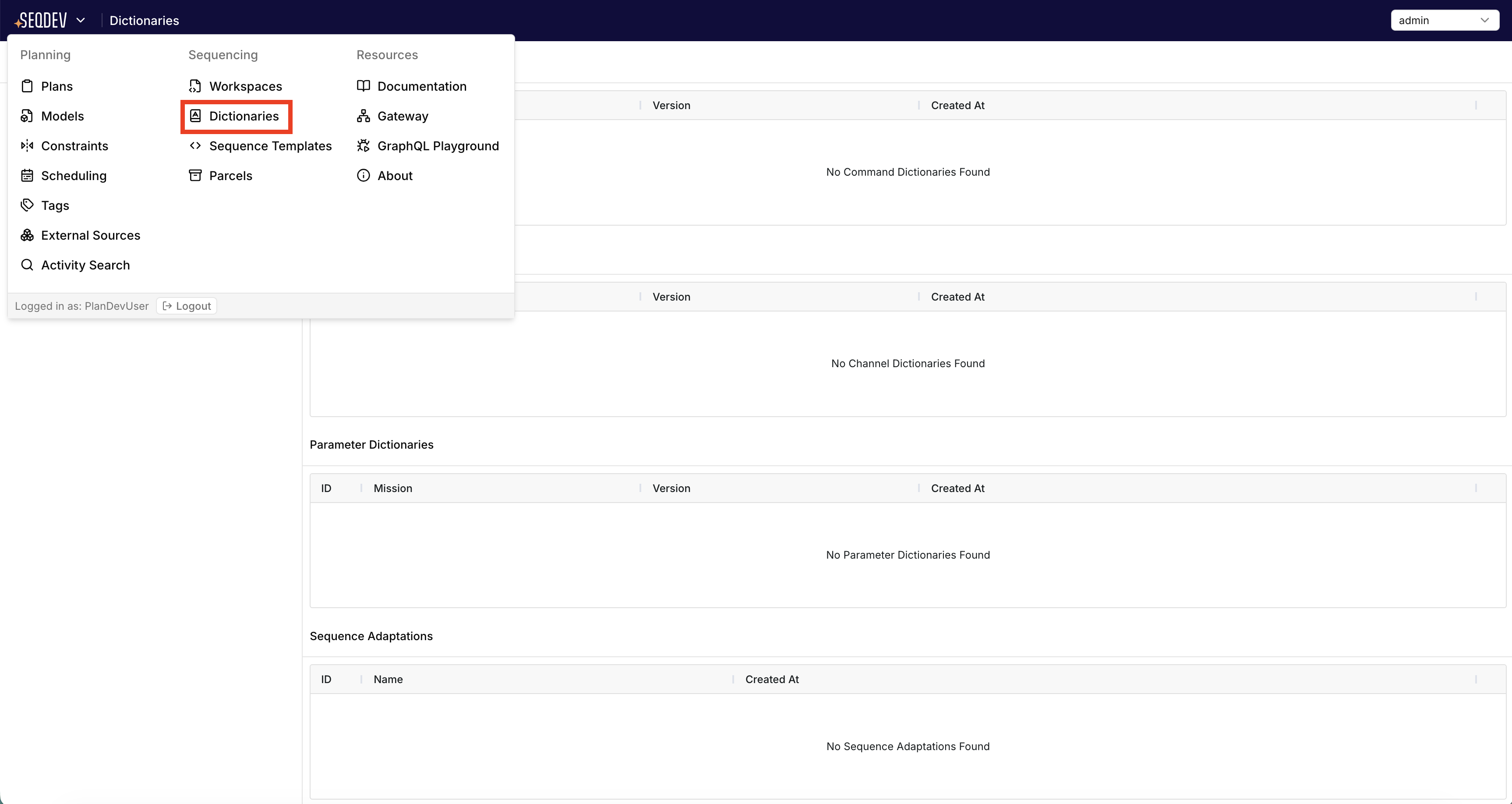
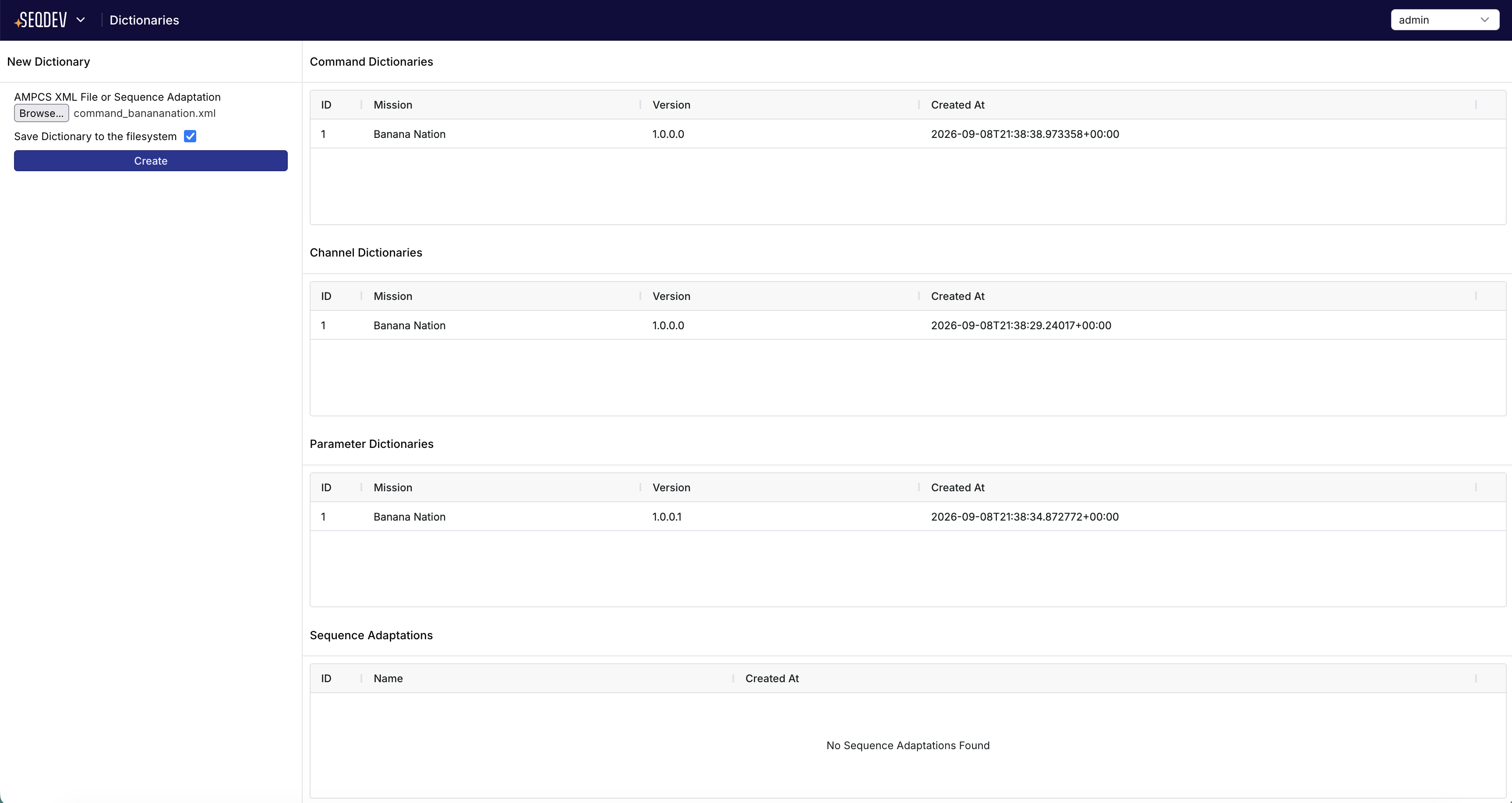
To upload a command dictionary in the SeqDev UI, open the top-level menu at the upper left corner as shown in the first figure, then navigate to the "Dictionaries" page under the "Sequencing" category. All command dictionaries previously uploaded to SeqDev will be listed on this page. If you would like to upload a dictionary yourself you can click "Browse" to upload a command dictionary from your local machine.
SeqDev currently supports the AMPCS standard for command, parameter, and channel dictionary schemas for commands, parameters, and telemetry channels. This schema provides a mission name and version in the command dictionary file. SeqDev does not allow uploading multiple command dictionary files with the same mission name and version.
Upload Sequence Adaptations
In addition to AMPCS dictionaries, SeqDev additionally supports uploading Sequence Adaptations using the same form.