Upload Command Dictionary
To do command expansion PlanDev must have a mission model and command dictionary uploaded. To upload a mission model first complete the instructions here and then return to this page.
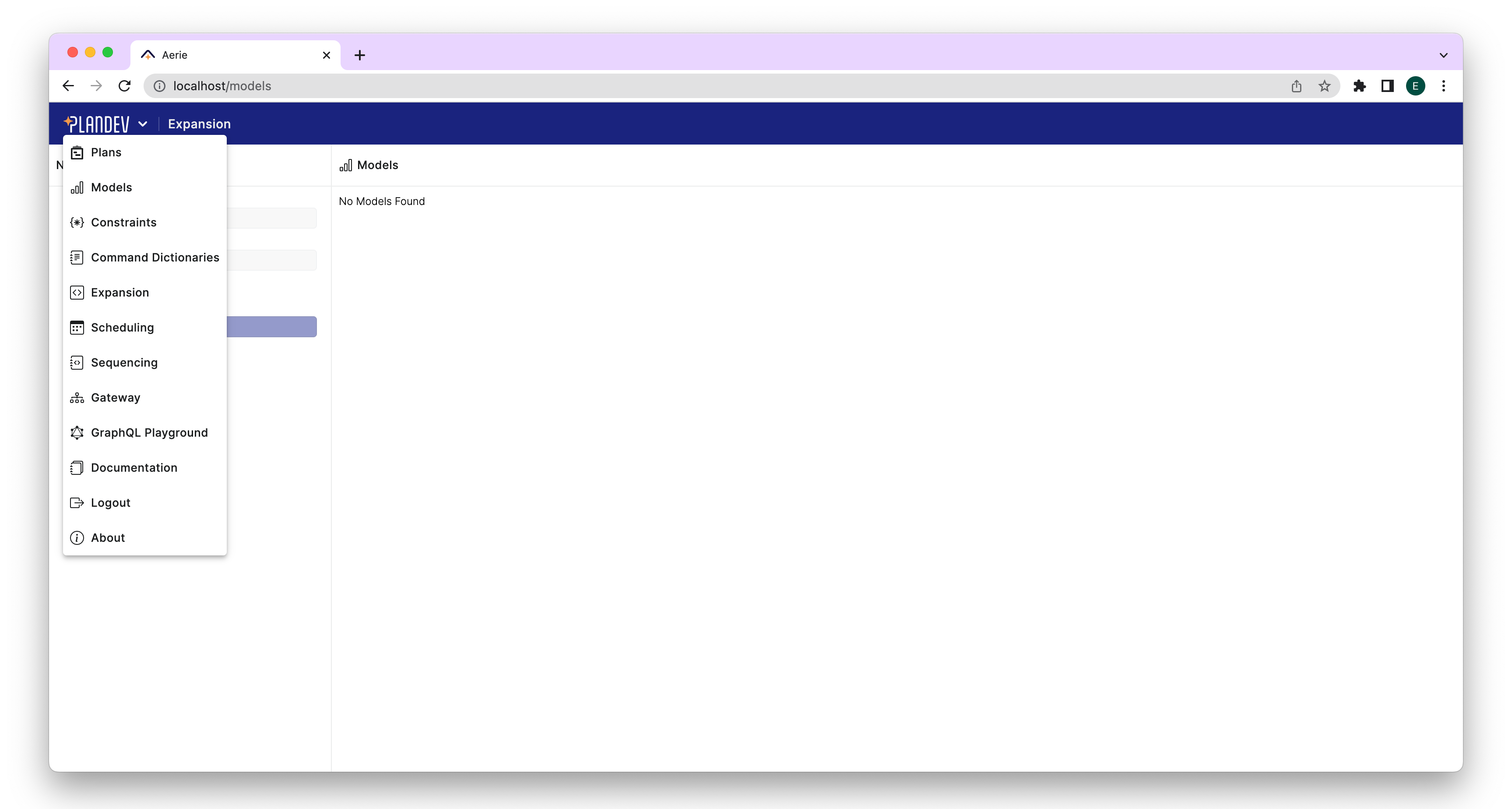
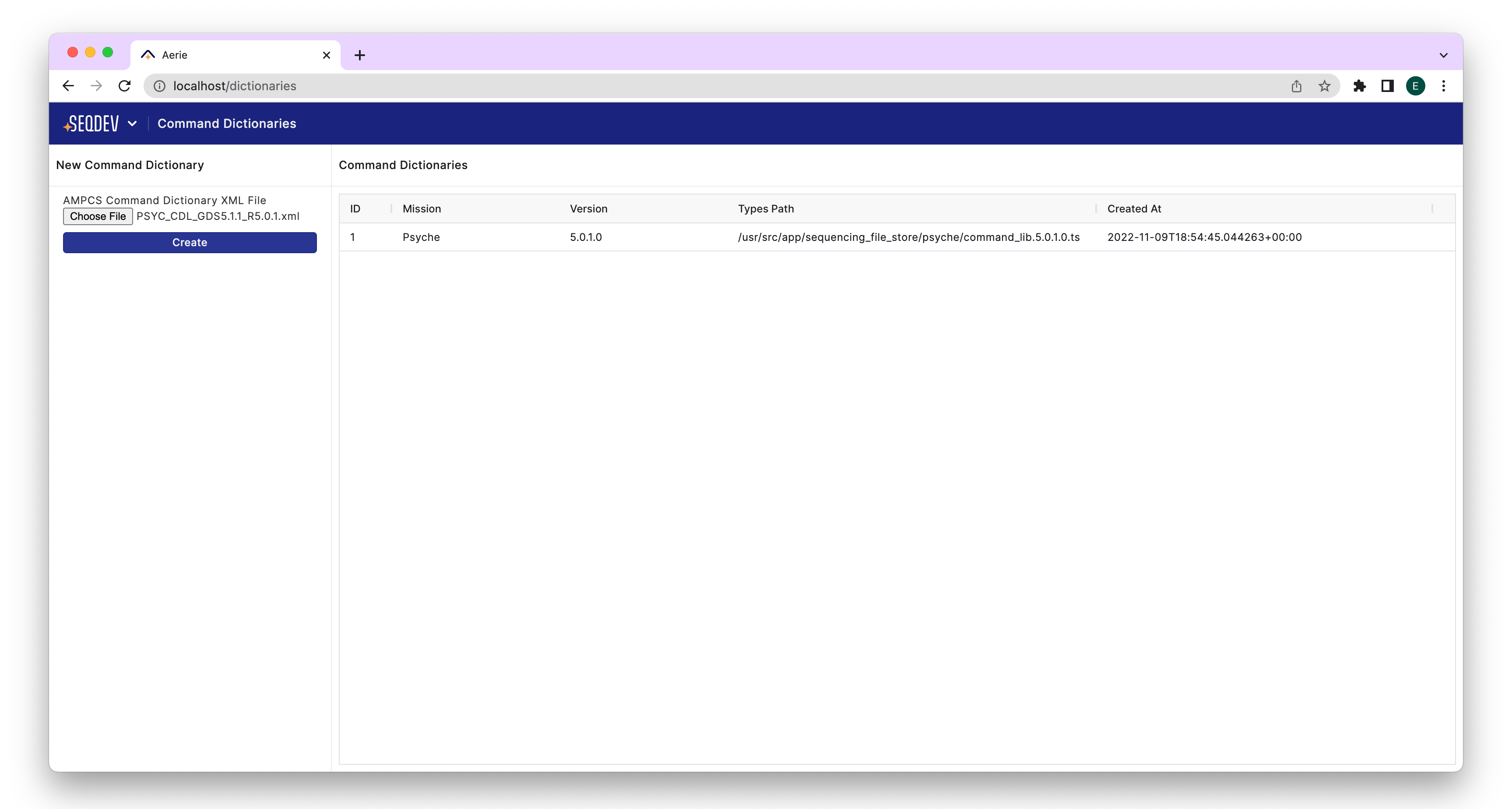
To upload a command dictionary in the PlanDev UI, open the top-level menu at the upper left corner as shown in the first figure, and navigate to the "Command Expansions" page. All command dictionaries previously uploaded to PlanDev will be listed on this page. If you would like to upload a dictionary yourself you can click "Choose File" to upload a command dictionary from your local machine.
PlanDev only supports AMPCS command dictionary schema standard. This schema provides a mission name and version in the command dictionary file. PlanDev does not allow uploading multiple command dictionary files with the same mission name and version.