Collaboration
PlanDev supports two forms of collaboration during planning:
- Real-time collaboration, where multiple users can work on the same plan at the same time
- Branch-based collaboration, where users can branch existing plans and later merge their changes into other related plans
Real-Time
In the PlanDev UI real-time collaboration occurs automatically whenever multiple users have the same plan open.
Branch-Based
Branches can be made from any existing plan. A branched plan will have the same start and end time as its parent plan, as well as a copy of all the activities in the parent at the moment it was branched. It will not, however, contain any simulation data, scheduling goals, or constraints that were associated with the parent plan.
For information on merging branches, see Merging Plans.
To learn how to do plan collaboration via the PlanDev API, see our API documentation.
Branching a Plan
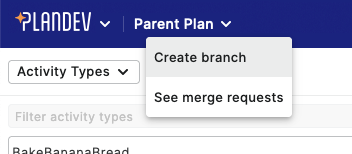
When on a plan in the PlanDev UI, select the drop-down from beside the plan's name and select "Create branch":
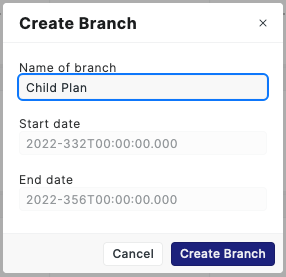
That will open a modal where you can enter the new branch's name. Selecting "Create Branch" will open the new branch:
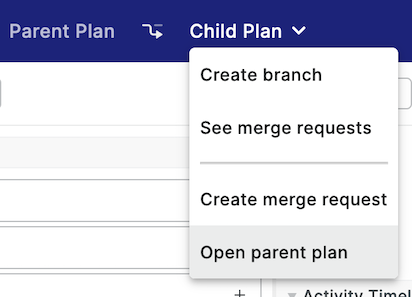
To return to the parent plan, either click the parent plan's name or select "Open parent plan" from the dropdown:
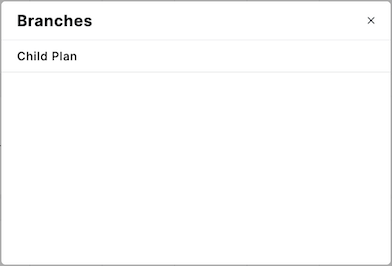
To return to a branch from the parent plan, click the 1 branch text from beside the name of the plan. Then select the plan from the list of branches: